
How do I Create a New Customer or a New Lead
Create a New Customer
Select Customers on the CommTrak main menu.
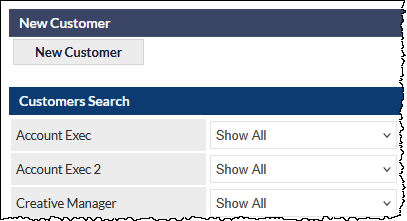
Press the New Customer button:
The Add new customer screen is displayed:
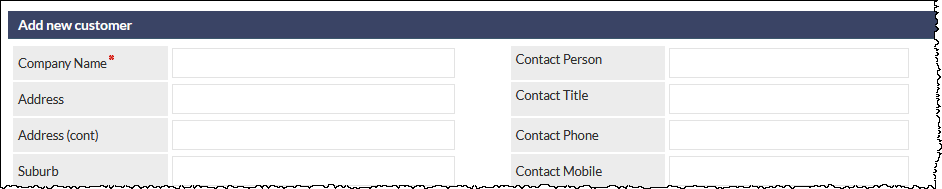
Complete the fields as required.
- The Company Name field is the only mandatory field for a Customer record in a standard CommTrak installation.
- The Company Name field is a Quick Search field. If the company already exists in CommTrak, you can select it from the dropdown list that will be presented. This features helps to avoid creating duplicate company records.
- Press the Save button at the bottom of the screen.
For additional information, also see:
Create a new Lead
Select Leads on the CommTrak main menu.
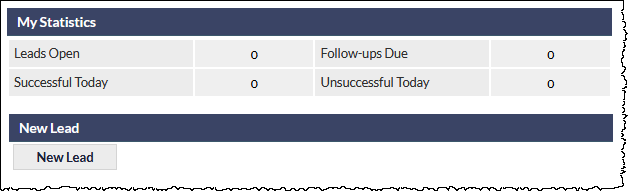
Press the New Lead button:
The New Lead screen is displayed.
A new Lead consists of both contact details and Lead details:
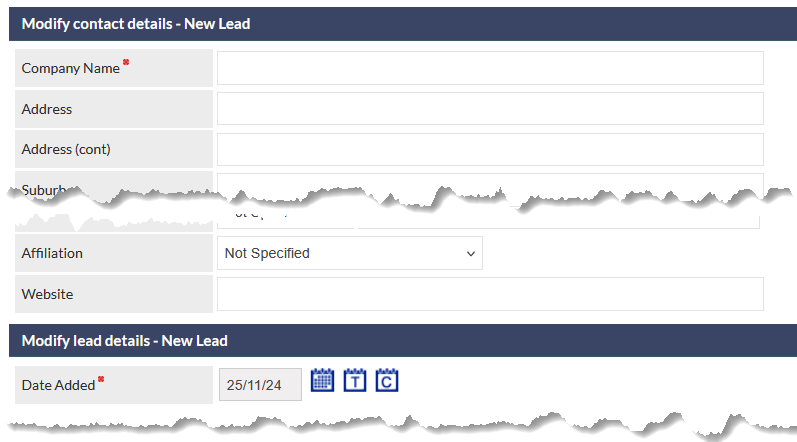
Complete the fields as required.
- Ensure that mandatory fields (those fields with a red asterisk) are populated.
- The Company Name field is a Quick Search field. If the company already exists in CommTrak, you can select it from the dropdown list that will be presented. This features helps to avoid creating duplicate company records.
If an existing company is selected, the New Lead screen for the existing company record will be displayed. Populate the fields as required and press the Add button to create the Lead for the existing company record.
- Press the Save button at the bottom of the screen.
For additional information, also see: