
CallTrak Leave Calendar
The CallTrak Leave Calendar feature can be accessed from the CommTrak Main Menu, or by clicking the CallTrak tab at the top of a Customer Screen.
This article relates to the CallTrak Leave Calendar feature only; please see the main CallTrak category, in the CommTrak Support Centre, for information relating to other CallTrak features.
Leave Calendar
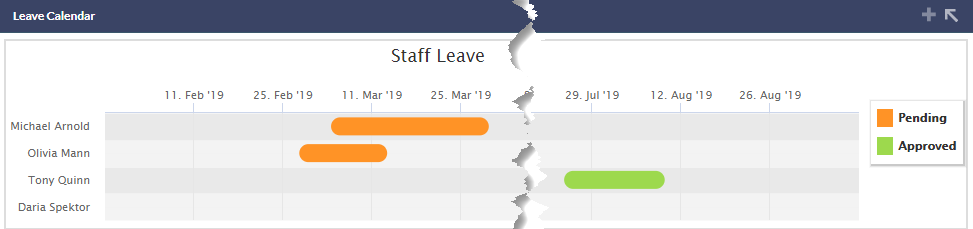
The CallTrak Leave Calendar displays leave information (Pending and Approved) for staff within your organisation, and is displayed beneath the Call Tracking section of the CallTrak screen.
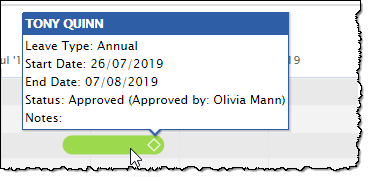
Hovering the mouse cursor over an entry in the leave calendar, displays a pop-up window with the details of the leave request:
Making a Leave Request
Staff can request leave in the Leave section of the My Details details screen.