
Ticket Description Field
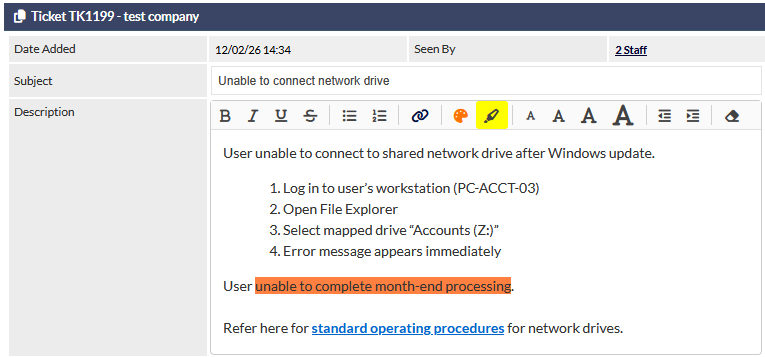
NEW in February 2026 Rich text editing in description field
NEW in February 2026 Preview original email in Ticket screen.
Description Field Editing
When editing or adding a Ticket in CommTrak, the Description field supports rich text formatting, making it easy to structure and present information clearly within a ticket.
Incoming Ticket Email - Action Icons
When a customer has emailed a ticket to CommTrak, the Description field will display up to three action icons:
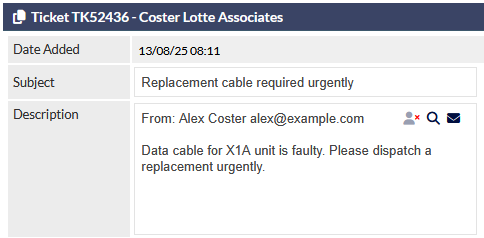
- Block sender icon - Block sender for defined period or indefinitely. This feature requires permissions and is also disabled by default. Refer to Ticket Ignored Senders (Settings) for more information about this feature.
- Preview icon - Displays pop-up window showing sender's original email message, including formatting and images.
- Forward to inbox icon - forwards the customer's original incoming email to the current user's inbox