
Dashboards Hub
The Dashboards Hub (accessed from the CommTrak main menu) provides tailored dashboards that highlight the metrics that matter in your business.
By default, Dashboards are visible to staff with Supervisor role only. To provide access for other roles, please see: Settings > User Settings > Dashboards Hub Access.
Key Features
- Customisable Dashboards – Configure dashboards to display the most relevant business metrics.
- Comprehensive Data Access – Retrieve information from any data table within CommTrak CRM for a complete overview.
- Real-Time Insights – Access up-to-date data to support informed decision-making.
- Increased Efficiency – Automate reports and quickly review key performance indicators (KPIs).
Below is an example of a Dashboard that has been selected in the Dashboards Hub (click the image to display it in full-size).
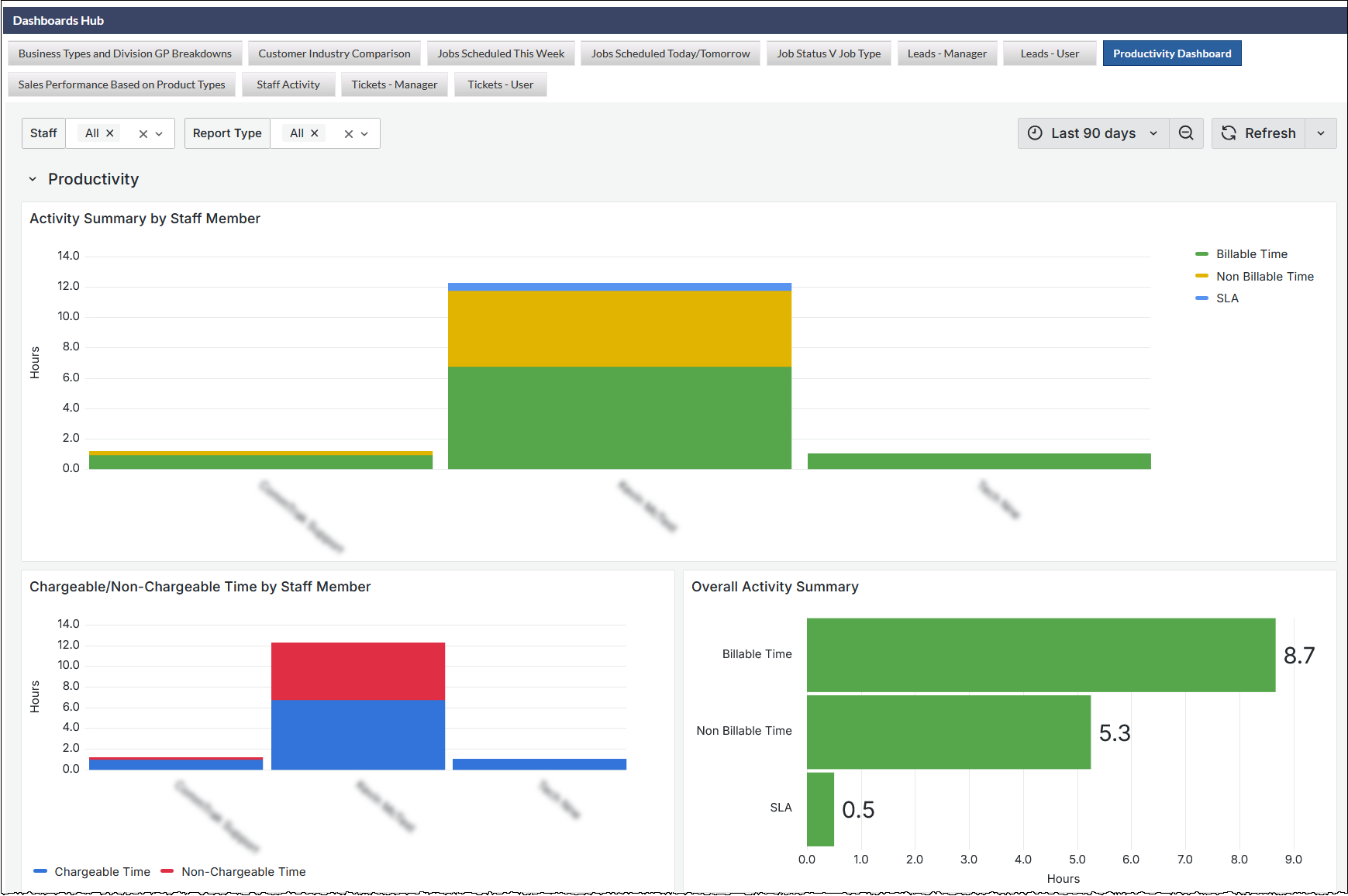
- The tabs across the top of the screen in the previous image, are the available Dashboards - just click a tab to display the dashboard.
- Filter options immediately update the dashboard view to present the relevant data
- Date / time ranges for the presented data can be selected at the top-right of the dashboard
- Dashboards can be set to automatically refresh periodically
Dashboard Panels
Each Dashboard can contain several panels which can contain any combination of charts (visible in the previous image), data tiles (visible in the following image), and even lists (not shown):
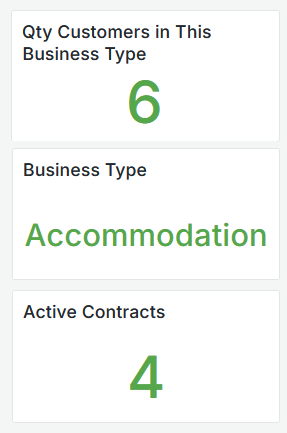
The CommTrak Team can customise Dashboards data and layout as per your requirements.
Please contact support@commtrak.com.au to discuss customisation options.