
Dashboards Hub Access (Settings)
The Dashboards Hub settings determine which staff can access each Dashboard.
By default, Dashboards are visible only to users with Supervisor role.
Accessing the Dashboard Hub Settings
Settings > Users Settings > Dashboards Hub Access
Select a Dashboard from the list:
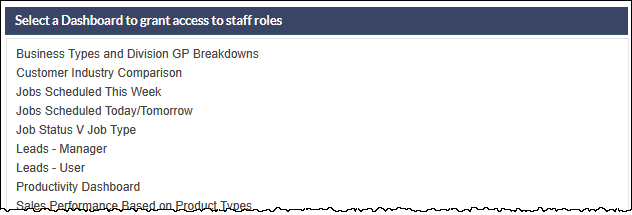
When a Dashboard has been selected, the current assignment details are displayed.
The default setting for all Dashboards is: Selected Staff Role > Supervisor:
Select the required Assigned To option:
- Company Wide
- Selected Staff
- Selected Staff Role
Company Wide
All users will be able to see the Dashboard.

Selected Staff
The Staff Selected field is displayed:
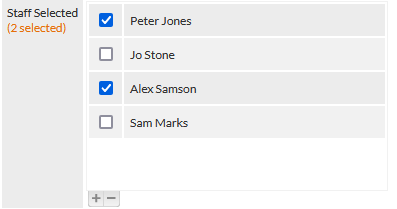
Tick the checkbox adjacent to the staff who should have access to the Dashboard.
The number of selected staff is shown in orange text in the field label (visible in the previous image).
Selected Staff Role
The Staff Role Selected field is displayed:
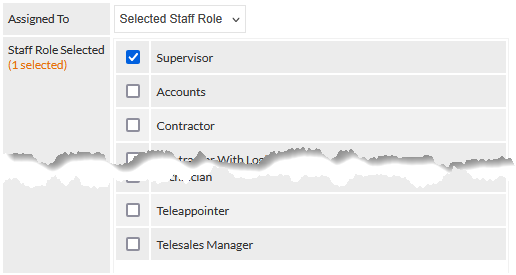
Tick the checkbox adjacent to the staff roles that should have access to the Dashboard.
The number of selected staff roles is shown in orange text in the field label (visible in the previous image).
Save Changes
Press the Save button to confirm any changes to the Dashboard settings.