
Preview Original Email in Ticket Screen
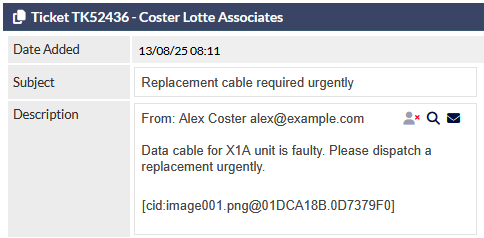
When viewing a ticket that has been generated from an incoming customer email, the message body is displayed in the Description field as plain text:

The Preview icon displays a pop-up window showing the sender's original email message, including formatting and images:
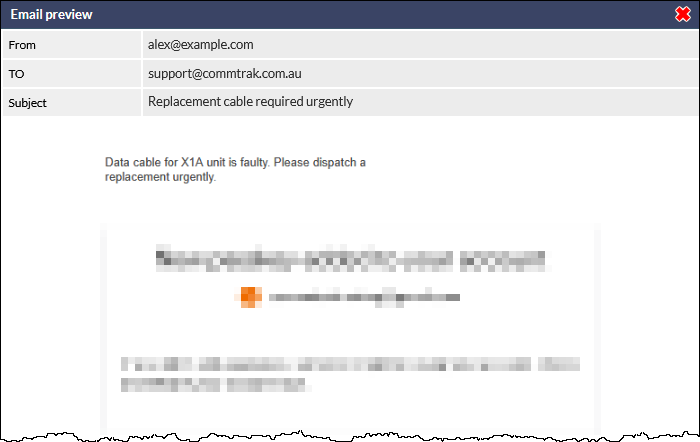
Press the red X icon or click outside the preview window to close it.
Forward Original Email

Forward icon – Forwards the original email to your inbox (e.g. Outlook).