
Project Classifications (Settings)
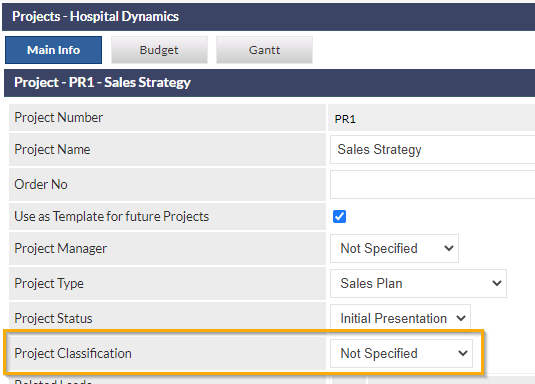
Project Classifications are used to categorise Projects for the purposes of filtering and reporting. When a new Project is created, the Project Classification defaults to Not Specified, and can subsequently be specified when viewing the Project, by selecting the required item from Project Classification dropdown list.
Accessing Project Classification Settings
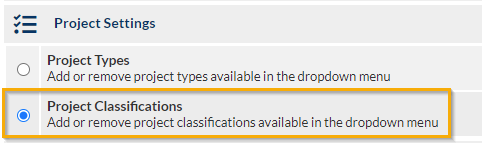
Settings > Project Settings > Project Classifications
Add a Project Classification
Enter a name for the Project Classification into the Add new project classification field, and click .
Modify an Existing Project Classification
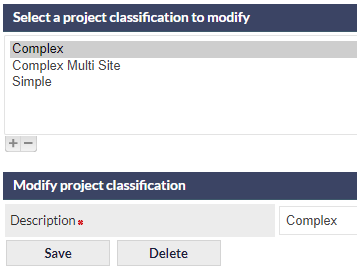
- Select a Project Classification from the list displayed at the top of the settings screen
- Edit the name of the Project Classification in the Description field
- Click
Modifying an existing Project Classification will immediately update all Projects with that classification.
Delete an Existing Project Classification
- Select a Project Classification from the list displayed at the top of the settings screen
- Click the button that is displayed below the Modify project classification section heading.
If a Project Classification is deleted, all Projects that currently have the deleted Project Classification assigned will retain the Project Classification, but it will not be possible to assign the deleted Projected Classification to new or existing Projects.
Deleting a Project Classification cannot be reversed.