
Leads Status Labels (Settings)
The Leads Status field is located on the Lead screen.
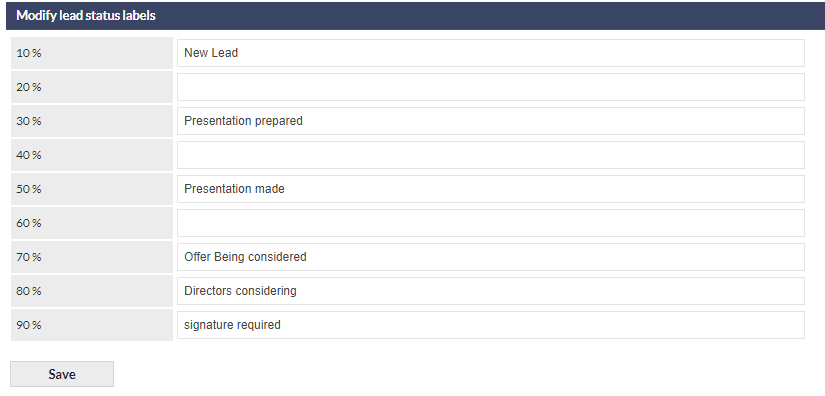
The Leads Status Labels are optional text descriptions that can be displayed adjacent to the Lead Status percentages. The following image shows an example of Lead Status Labels:
 In the above image, Lead Status Labels have been applied to most, but not all, of the Lead Status percentages.
Accessing the Leads Status Labels Settings
Settings > Leads Settings > Status Labels
Adding or Modifying Leads Status Labels
Select the field next to the percentage for which the label is to be added or modified, and add or edit (or delete) the text as required:
Click to confirm any changes.